<script async src="https://assets.siteconnect.cloud/embed/SITE-ID.js"></script>Paste one line, once. Everything after that happens in a dashboard.
LIVE CHAT · LIVE VISITORS · ANNOUNCEMENT BARSiteConnect by Fusion adds live chat, a view of who is on your site, and an announcement bar to your website. You paste one line into your site one time, and that line never changes. From then on you turn tools on and off in a dashboard, and your page changes within about a minute.Sign-up isn't open yet. No page edits after the first one.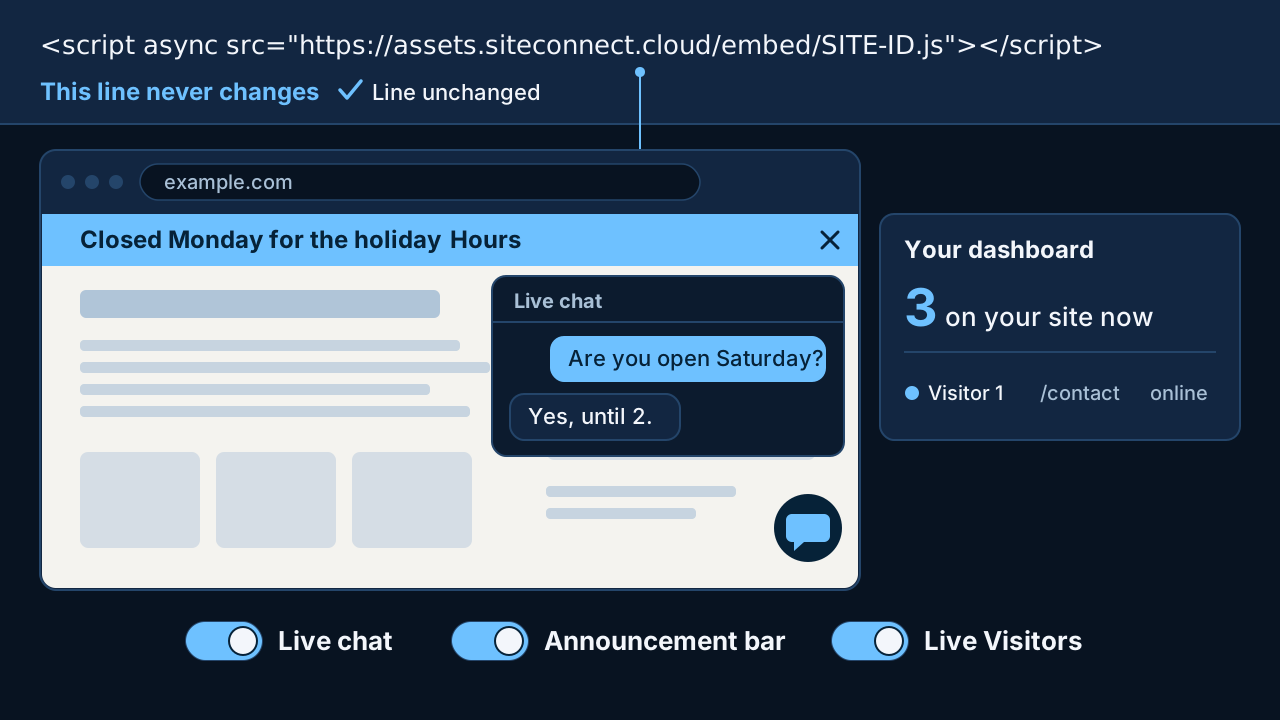
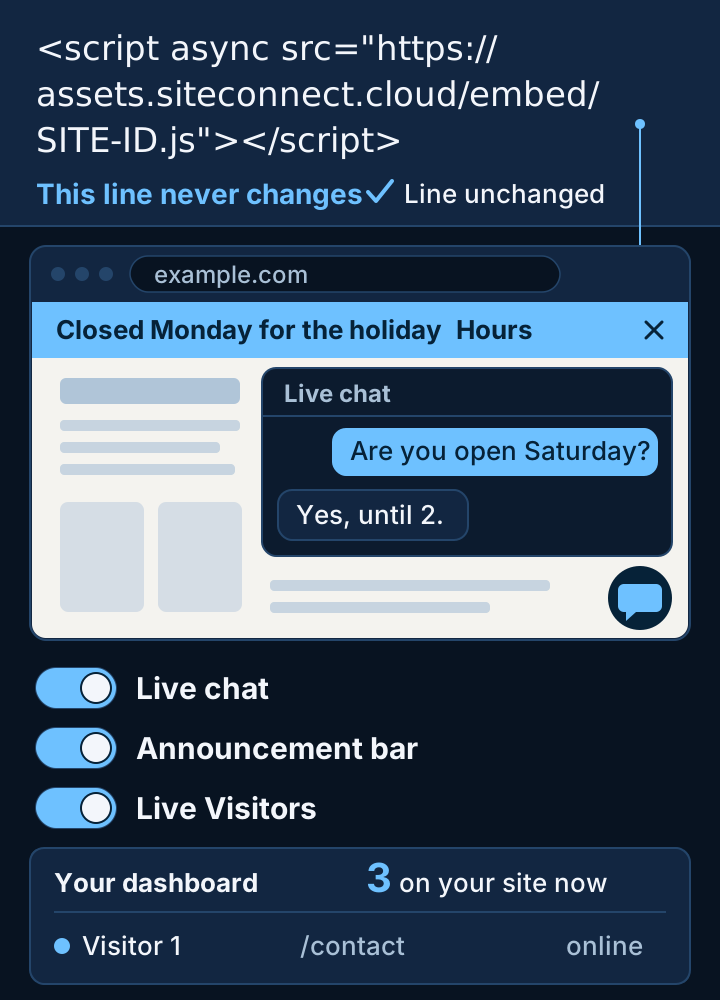
This is all the code SiteConnect asks of you.
<script async src="https://assets.siteconnect.cloud/embed/SITE-ID.js"></script>You don't have to understand it.
You copy it and you paste it. You don't write any of it.You only do it once.
The line never changes. It stays exactly as you pasted it, whatever you turn on later.You can hand it to someone.
If someone else looks after your site, send them the line. It's one small job for them, one time.The line stays. The tools change.
The line doesn't hold your tools. It asks SiteConnect for them, and SiteConnect writes the answer from what you have switched on for that site.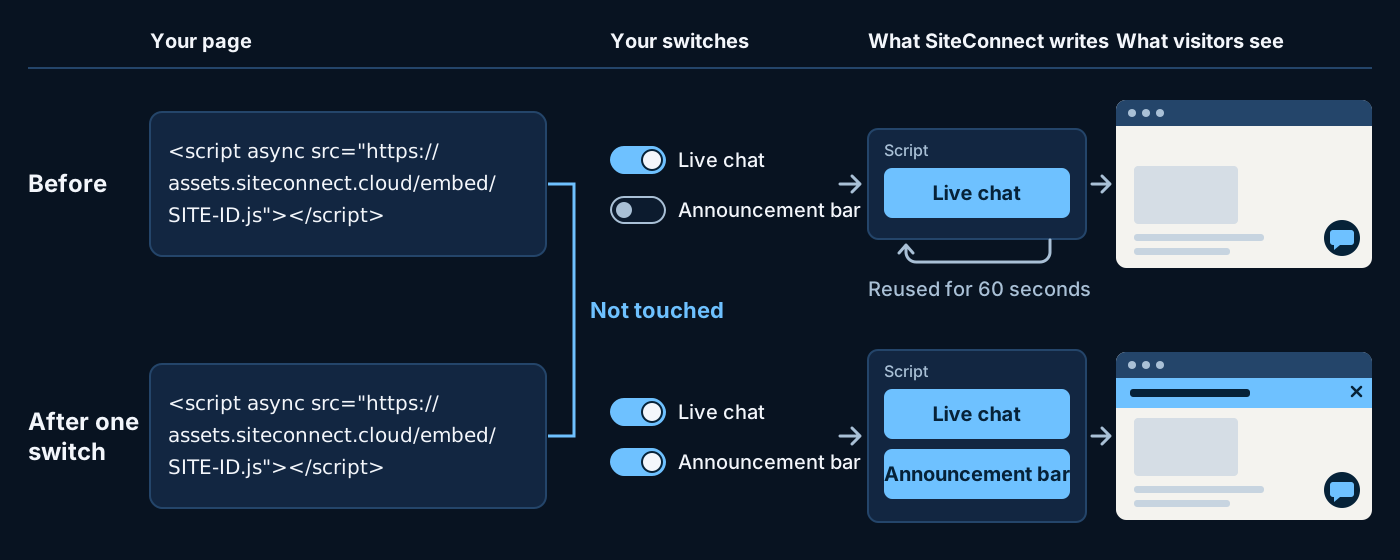
Your page asks.
When someone opens your page, the line asks SiteConnect for your site's script.SiteConnect writes it.
SiteConnect writes the script from what your site has switched on.Your page runs it.
The tools that are on appear. The ones that are off aren't in the script.Three tools. Three switches.
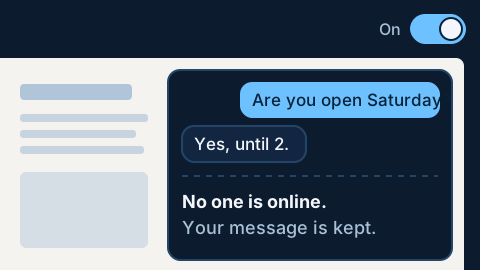
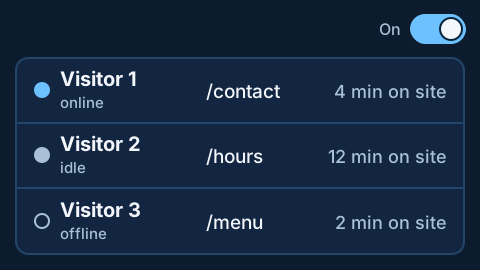
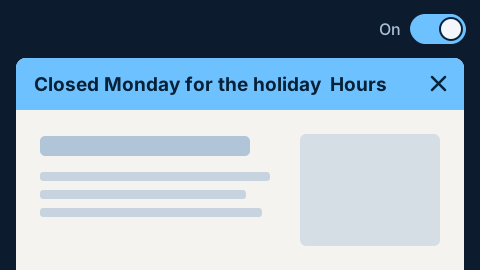
New sites start with Live chat and Live Visitors on and the Announcement bar off. Turn each one on or off, site by site.Live chat.
Live Visitors.
Announcement bar.
Everything after the first line happens here.
One place to answer messages, see who is around and decide what runs on each site.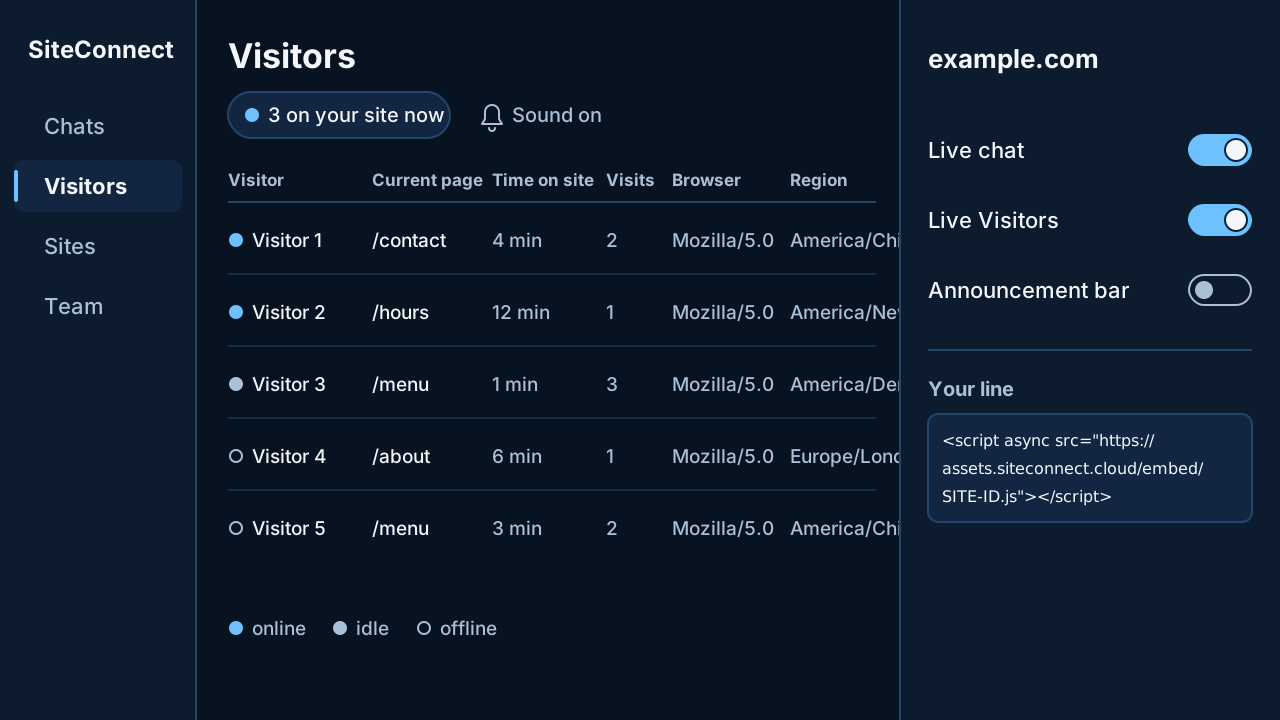
Chats.
Read and answer messages from your site.Visitors.
The live count, and who is on your site now.Sites.
Each of your sites, and the web addresses allowed to use it.Switches.
Turn each tool on or off, site by site.Team.
Your people, as admins or agents.Your line.
The one line, ready to copy whenever you need it.If code makes you nervous, read this.
These are fair questions. The answers are short.Will it mess up how my site looks?
Each tool sits in its own sealed-off area of the page, so it doesn't clash with your site's styles.What if I turn something on and don't like it?
Switch it off. It's gone from your page within about a minute, and the line stays where it is.If you add a new tool, will I have to edit my site again?
No. New tools reach your page from the dashboard. The line you pasted stays the same.Can this line add things I didn't ask for?
Each site chooses what runs. The script is written from your switches, and a published tool file is never changed in place. A change means a new version.What if a visitor writes in and no one is there?
The visitor is told no one is online, and the message is kept.Do I have to answer every message myself?
No. Your team can answer in the dashboard as agents.What it keeps, and what it leaves alone.
One line decides what runs on your page, so you should be able to find out what it records without asking a programmer. Here it is in plain words.What comes with this line
<script async src="https://assets.siteconnect.cloud/embed/SITE-ID.js"></script>- Third-party cookies
- 0
- IP addresses in visitor records
- 0
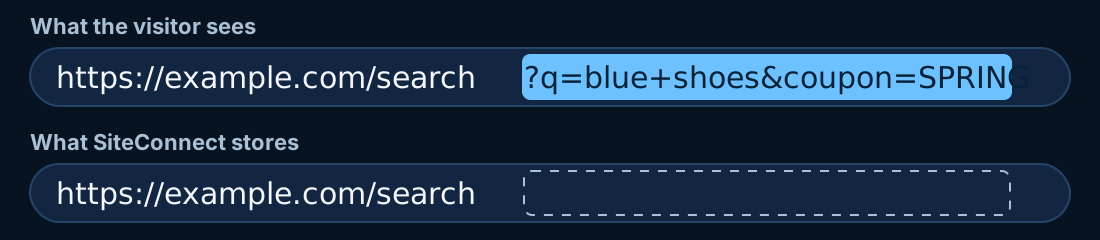
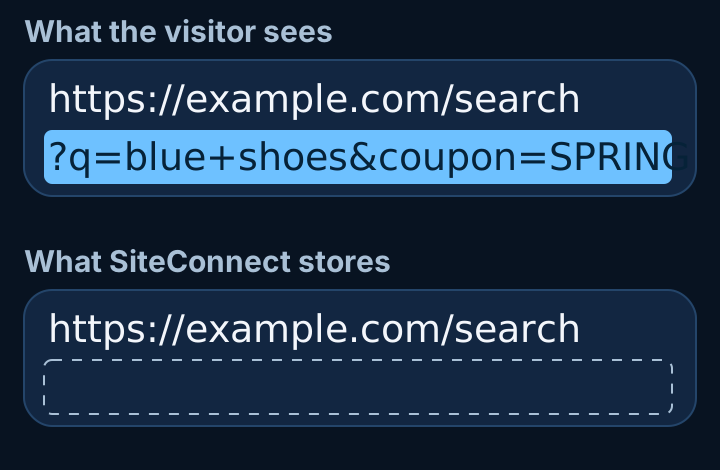
- Query strings stored with page addresses
- 0
- Widget requests that carry cookies or sign-ins
- 0
- Messages shown as HTML
- 0
- Tools running that are switched off for this site
- 0
Kept
- Page history
- with the visitor record
- Chat messages, and any name or email a visitor types
- with the visitor record
- Page titles, browser details, operating system, screen size
- with the visitor record
- Visitor token
- in your own page's browser storage
- Region
- worked out from the browser's time zone
Yours to decide
- New sites start with
- Live chat and Live Visitors on
- Live Visitors
- on or off, site by site
- Chat with Live Visitors off
- records no pages
Agents see what is listed under Live Visitors, in Tools. They also see the site, the page's title, the visitor's operating system and last-seen time, and any name or email the visitor types into chat. The web server's own request logs record IP addresses.
The same line can carry more.
A new tool only has to appear as a new switch in your dashboard. The line you pasted stays as it is. These are examples. The list isn't decided, and nothing here has a date.Forms
PLANNEDBooking
PLANNEDSearch box powered by Fusion Discover
PLANNEDVideo or audio player from Fusion Media
PLANNEDCalling through Fusion Engage
PLANNEDIf you have a web person, show them this.
You can skip this part. It's here so whoever looks after your site can check the details.- The script tag loads with async. The loader is written on each request and cached for 60 seconds.
- Widgets run in a Shadow DOM, so they don't clash with the page's own styles.
- Widgets make no credentialed requests, and there are no third-party cookies.
- The visitor token is kept in the customer page's own browser storage.
- Each site lists the exact web origins allowed to use it. Calls from other origins are refused.
- Messages are shown as plain text, never HTML.
- Published widget files are versioned and never changed in place. Each site chooses what runs.
- No IP addresses are stored with visitor records. The web server's own request logs record them. Page addresses are stored without query strings.
- SiteConnect is built in Solerra, Fusion's language, and runs on Fusion Internet Services.